How to Fit Two Workspaces in a Small Apartment
Disclosure
This post may contain affiliate links. If you purchase through these links, I may earn a small commission at no extra cost to you. As an Amazon Associate I earn from qualifying purchases.
Two people working from home can mean two laptops sharing a desk at different times or two permanent setups competing for the same corner. Before buying another desk, work out which situation you actually have.
A workable home office for two in a small apartment needs enough room for both people to sit, use their equipment and move around. It also needs to leave the apartment usable when work ends.
Start with your schedules, then check your equipment and available space. That order can save you from squeezing in furniture you don’t need.
Do You Actually Need Two Permanent Workstations?
For me and my roommate, we shared one workstation because we didn’t need to use it at the same time. Each of us had our own laptop and nearby shelves helped us keep our belongings organized, so switching over was straightforward. When someone finished, they tucked their things away and left the desk clear for the next person. We had no friction with that arrangement.
That worked because our needs didn’t overlap. It wouldn’t have solved the problem if we both needed the desk for a full working day.
Before planning two workstations, ask:
- How often will you both need to work at the same time?
- Does either person need equipment that stays set up?
- Can both people comfortably use the same desk and adjustable chair?
- Where will each person’s belongings go between sessions?
One shared desk can be enough when your schedules don’t overlap and your equipment is portable. Two separate workstations make more sense when both people need reliable access simultaneously.
An occasional overlap may need only a suitable second surface. Daily overlap deserves a proper second setup.
Make A Shared Desk Easy To Hand Over
A shared desk works best when clearing it takes little effort.
Give each person a nearby drawer, shelf or container for their laptop accessories, notebook and other essentials. Keep shared equipment in a consistent place, and agree on what stays on the desk.
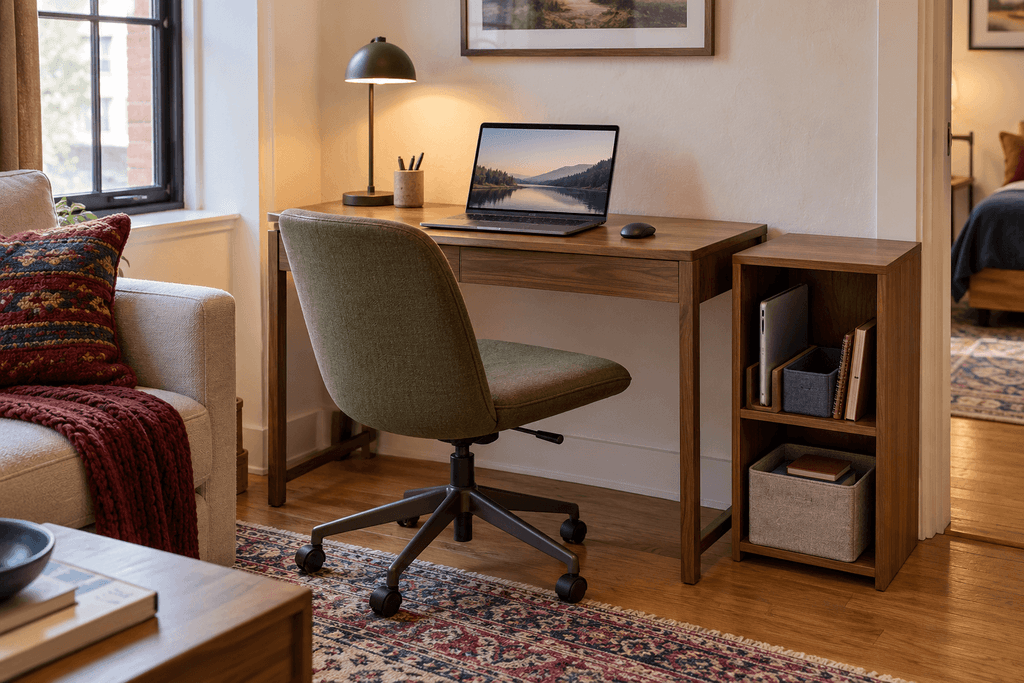
“Leave it clear” becomes harder to follow if putting things away means carrying them into another room or digging through a crowded cabinet. Convenient storage is part of the arrangement.
Measure The Workstations With Both Chairs In Use
A desk fitting against a wall doesn’t prove that a workstation fits the room.
The chair, person and equipment take up space too. So do the movements around them: sitting down, standing up, opening drawers and walking past.
Before buying furniture, mark out the proposed desk footprints with removable tape suitable for your floor. Put your existing chairs in position, then have both people sit down.
Check whether you can:
- Pull both chairs back and stand up.
- Pass behind someone who is seated.
- Open nearby doors, drawers and closets.
- Reach outlets without running cables across a walking route.
- Use the bed, sofa or dining area normally.
Test both positions together. A layout can work for either person alone and still fail when both chairs are occupied.
If someone must stop working whenever the other person needs to pass, the layout has a daily-use problem. A smaller desk may help, but sometimes the second workstation needs a different location.
For equipment-heavy setups, arrange the actual keyboard, mouse, laptop and monitor on an existing surface first. Measure the space you use rather than choosing a desk from its advertised width alone.
Choose A Layout Around The Space You Have
There isn’t one best small shared home office layout. The useful choice depends on the available walls, equipment and routes through the apartment.
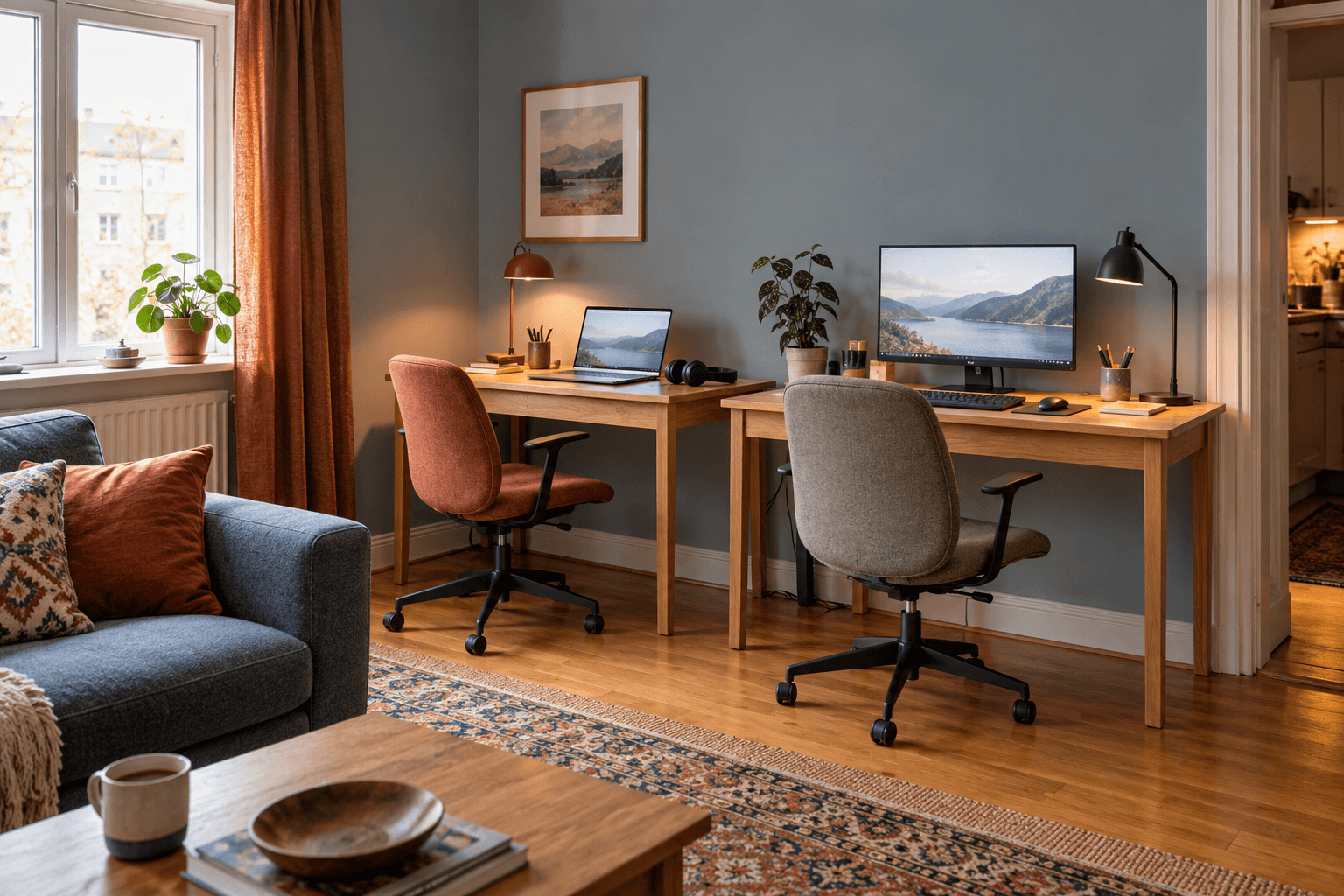
Side-By-Side Desks: Useful Along One Uninterrupted Wall
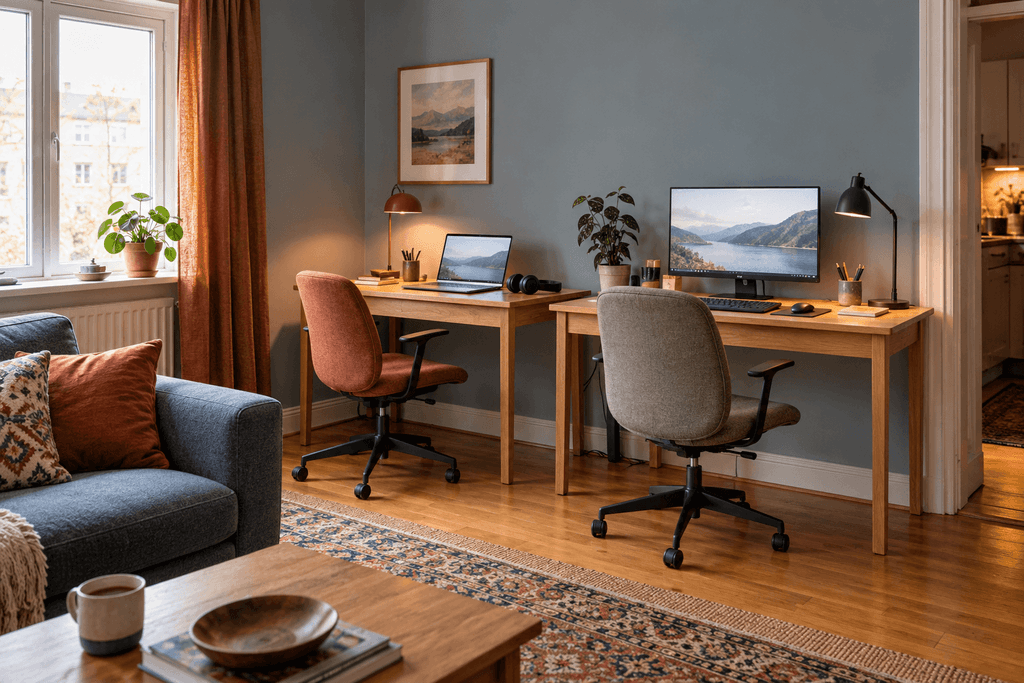
Two desks beside each other can concentrate work in one area while leaving the middle of the room open.
This arrangement is worth considering when you have a sufficiently long wall and both people can pull their chairs back without blocking circulation.
Check the less obvious details:
- Does each person have enough usable width for their equipment?
- Do desk legs or drawer units intrude into either seating position?
- Will one person’s desk lamp shine into the other’s screen?
- Can both people access storage independently?
Side-by-side desks also put conversations close together. They may suit quiet work better than frequent simultaneous calls.
Desks On Opposite Walls: Useful Only If The Middle Still Works
Opposite-wall desks give each person a separate surface and can reduce the distraction of looking directly at the other person.
The catch is the space between them. You need to account for two occupied chairs, not simply the distance between the desk edges.
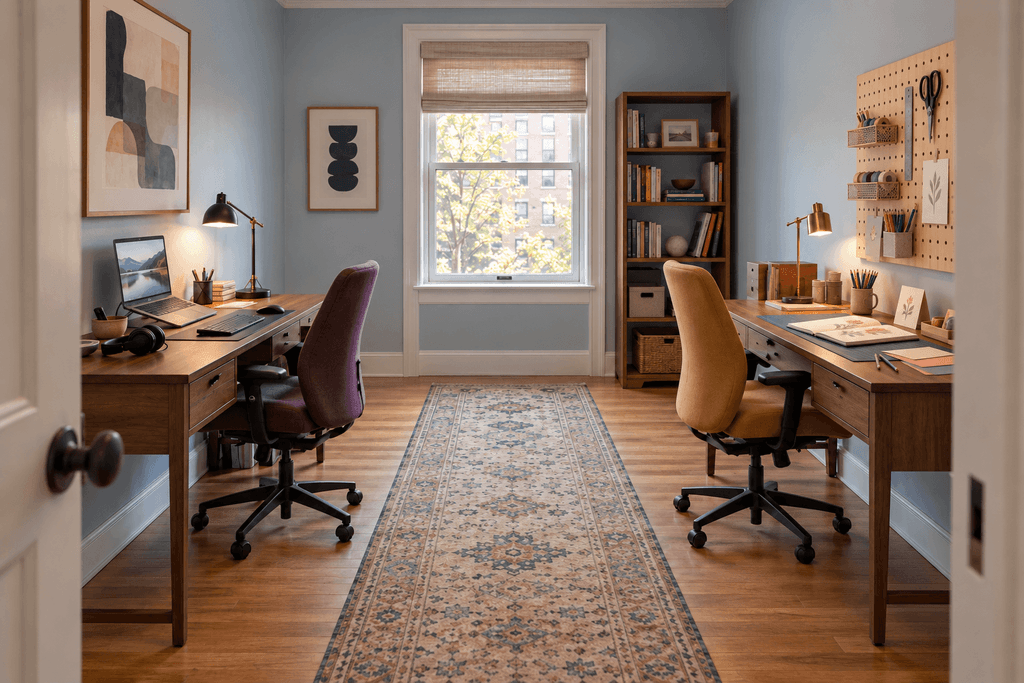
If the chairs collide when pulled back or leave no practical route through the room, the arrangement is too tight.
This layout also spreads work across more of the room. In a bedroom, check that it doesn’t leave the bed trapped between office furniture or make clothing storage awkward to reach.
An L-Shaped Arrangement: Useful When Two Adjacent Walls Are Available
Positioning desks along adjoining walls can help use a corner, but the inside corner deserves careful attention.
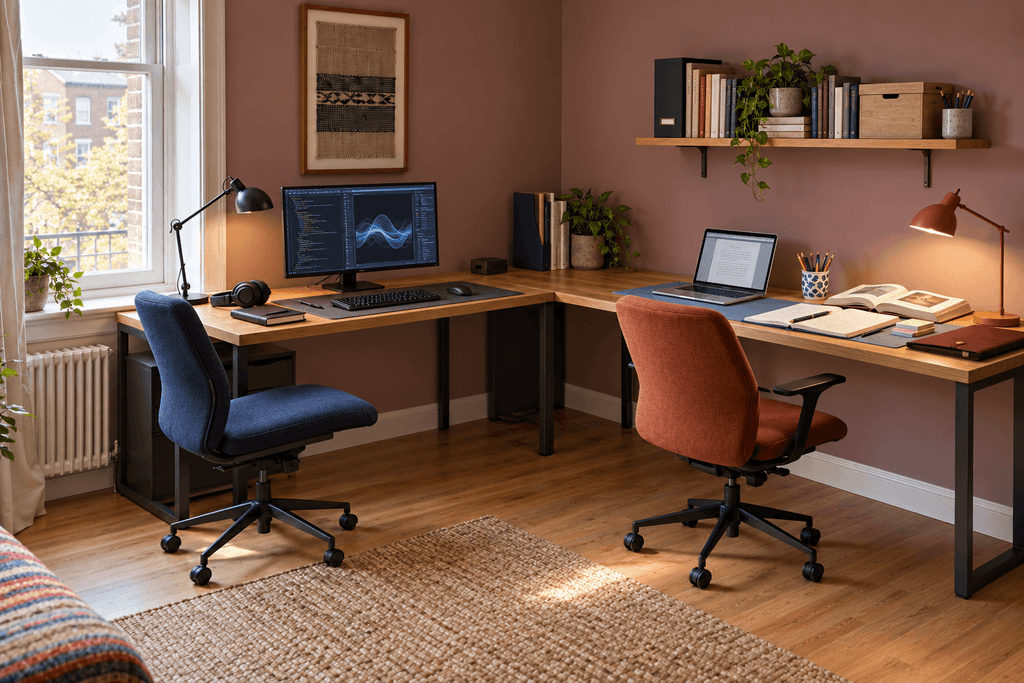
Two people seated too close to that junction may compete for elbow room, chair movement or the same patch of floor. Deep desktop corners can also become difficult-to-reach storage.
Test where each person will actually sit. Don’t assume that the two arms of an L-shaped desk automatically create two comfortable workstations; some are designed for one person to move between both surfaces.
Can Two People Share One Long Desk?
A long desk can look simpler than two separate desks, but its overall length doesn’t tell you how much usable space each person gets.
Inspect the underside as carefully as the top. A central support, cabinet or set of drawers may divide the surface in a way that leaves one person with poor legroom.
A shared desk is more promising when:
- Both people have adequate, separate seating space.
- The surface is deep enough for their equipment.
- Supports don’t obstruct either person.
- Each person can position their chair and screen comfortably.
- Neither person routinely needs most of the surface.
It is less flexible when one person wants to stand while the other sits, or when their comfortable working heights differ substantially.
Choose one long desk because it accommodates both people not simply because it looks tidier. Two independent desks may be easier to adjust, rearrange or take to a future home.
Put The Workstations In Different Areas If Necessary
Keeping both desks together is optional.
One person may work in the bedroom while the other uses a living-room corner. That can be a better compromise than crowding two workstations into a room that cannot accommodate them.
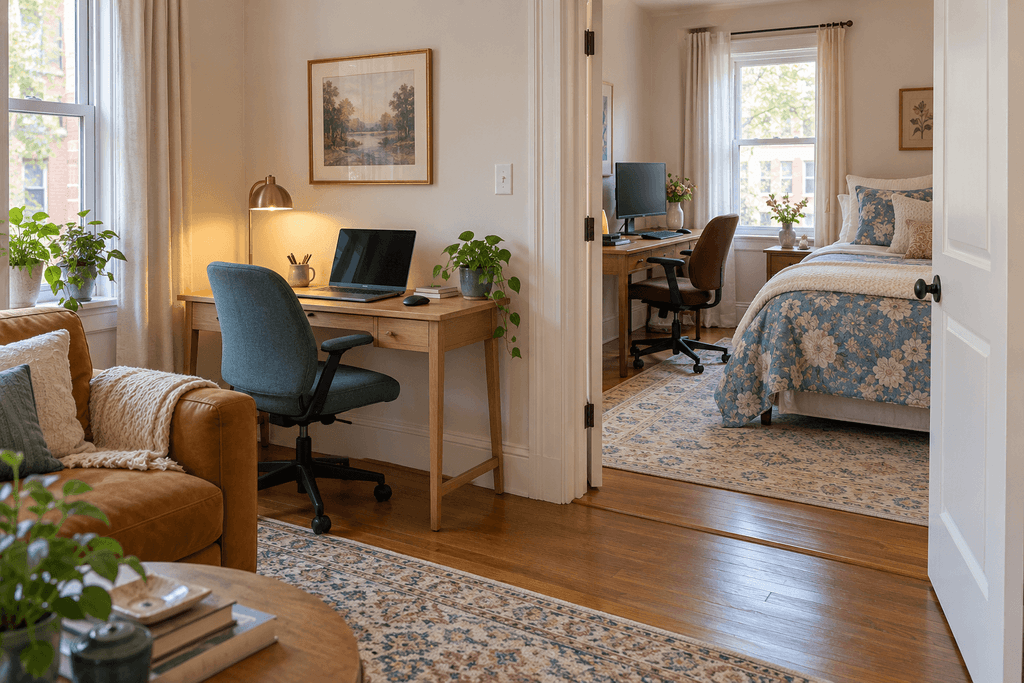
Assign locations according to the work:
- Give the quieter area to the person handling more calls or concentration-heavy tasks.
- Keep equipment that stays assembled at the permanent station.
- Put a portable laptop setup where it can be cleared easily.
- Consider when each area is needed for sleeping, meals or other household activities.
A bedroom desk is less useful if someone regularly works late while the other needs to sleep. A dining-table setup is less useful if clearing equipment for every meal becomes a repeated nuisance.
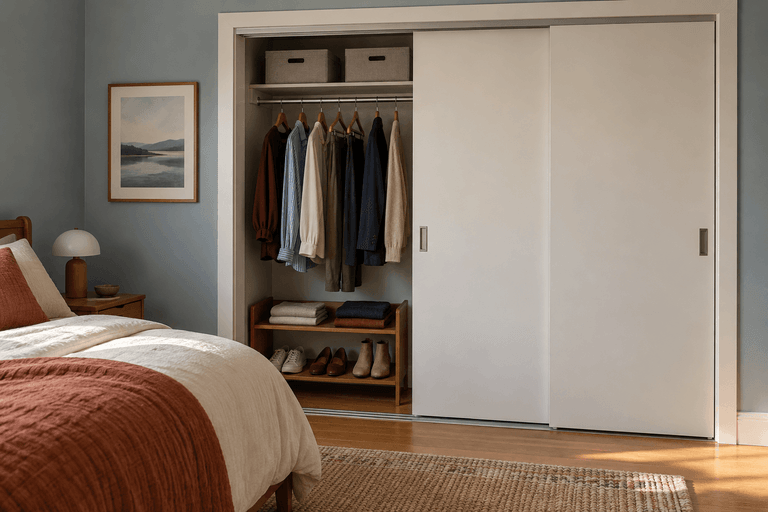
If one station needs to fit beside a bed or clothing storage, use the same access-first approach covered in how to organize a small bedroom: preserve the room’s everyday functions before filling the remaining space.
Plan For Overlapping Calls Before Buying Furniture
Two desks solve access to a work surface. They don’t solve competing conversations.
If both people regularly take calls, discuss that before settling on a layout. Headphones can help each person hear their meeting, but they don’t stop their voices carrying through the apartment.
A decorative screen or bookcase may provide visual separation. Don’t treat it as sound isolation.
Where possible, identify a second call location with a door that closes. Check that it has a usable surface, suitable seating and the connections needed for the call.
If that isn’t available, consider whether you can:
- Stagger some meetings.
- Reserve the quieter location for confidential or presentation-heavy calls.
- Use a temporary second station for occasional overlaps.
- Choose a headset microphone suited to your work and test what the other caller actually hears.
Be realistic about the limits. Frequent, simultaneous conversations are a harder problem in a one-room apartment than two people doing mostly quiet computer work. Furniture alone cannot remove that conflict.
Give Each Person Storage Without Doubling The Furniture
You don’t necessarily need two filing cabinets, two bookcases and two sets of desk organizers.
Separate the things that need individual homes from supplies you can share.
Each person should be able to reach their daily essentials without moving the other person’s belongings. Shared items such as a printer, stationery or reference materials can occupy one accessible location.
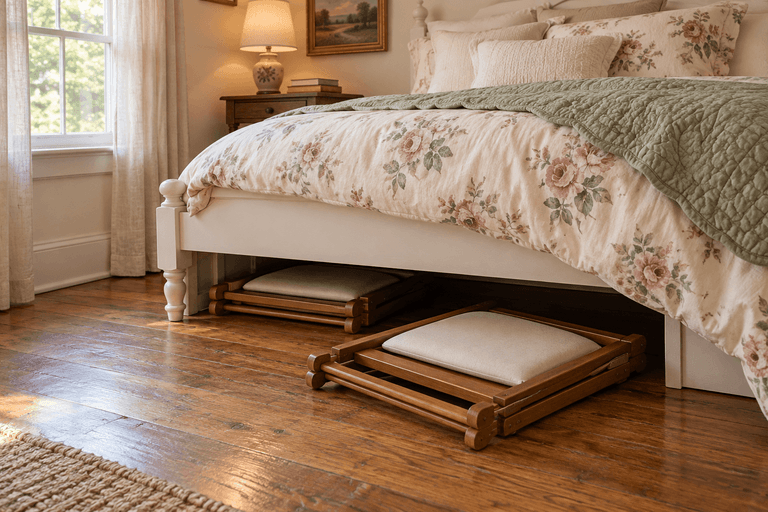
Possible arrangements include one drawer each, separate shelf sections or a portable container for the person using a temporary workstation.
Keep storage proportional to what you actually use. A large cabinet that reduces chair movement can create more inconvenience than it solves.
If work materials remain visible from the bed or sofa, selectively enclosing them may help the room feel less dominated by work. You can apply the approaches in how to hide clutter in a small bedroom without enclosing every shelf or buying a matching storage system.
Keep Cables Out Of The Handover And Walking Routes
Two setups can quickly create a tangle of chargers, monitor cables and accessories.
Plan where each device connects before pushing furniture into place. Keep cables away from chair wheels and walking routes, and avoid positioning furniture so it crushes plugs or cords.
For a shared workstation, make the handover straightforward. Clearly distinguish personal chargers where necessary, and keep frequently used connections accessible.
Don’t buy a shared dock simply because both people use laptops. Check compatibility with both computers, their charging requirements and any external displays first.
The goal is to avoid having to dismantle one person’s setup whenever the other sits down.
Make Sure The Apartment Still Works After Work
Before committing to the arrangement, picture an ordinary evening.
Can you eat without balancing plates around a laptop? Can someone reach their clothes while the other finishes work? Can you walk through the room with laundry or groceries? Is the desk chair left in the only clear route?
A workable setup should also have a manageable stopping routine:
- Put portable equipment in its designated storage.
- Return shared supplies.
- Move chairs out of circulation routes.
- Clear any surface needed for meals or other activities.
Permanent workstations don’t have to disappear completely. But work should not require the rest of the apartment to stay permanently rearranged around it.
Try The Arrangement Before Buying The Second Desk
Use suitable existing furniture to test the proposed locations where possible. Even a short trial can reveal problems that a room sketch misses.
Notice what happens during a normal work session: occupied chairs, simultaneous calls, charging, storage access and movement through the room.
Then buy for the problem the trial reveals.
You may need two independent desks. You may need one permanent workstation and a portable second setup. Or, as we found, a clear desk shared at different times may already do the job.
The right arrangement gives both people dependable access to work without making everyday life harder around them.